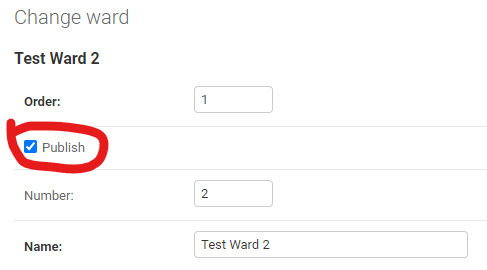
In order to facilitate restoring erroneously removed items, each model in the QMS has a “publish” field. Un-publishing item marks it as “deleted” for the end users.
Un-publishing an item will cascade to its child items. For example,
un-publishing a ward means that all sessions and observations
submitted to it are no longer accessible by users.
Similarly, un-publishing an institution or department will unpublish all related wards.
This cascading logic applies to all relations set as on_delete=CASCADE. All other relations are unaffected. For instance,
on_delete=SET_NULL will not set null until the item is physically deleted from the database.
Warning
While all children of unpublished objects are automatically detected and unpublished, generic relations (issues, comments)
are more tricky, so to optimize the process, only some models will trigger un-publish on those, More details in unpublish_generic_relations.
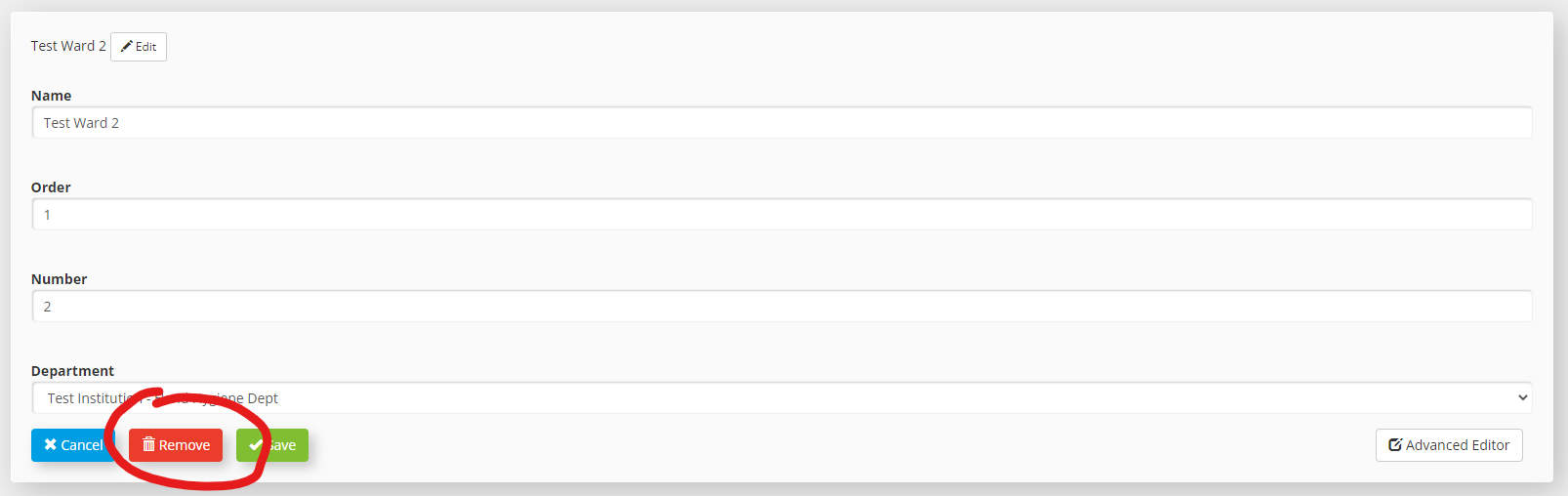
Any action labelled as “remove” will unpublish the item and its child items.
This action requires that user has the “delete” permission even though the item is technically being modified
rather than edited as it results in user losing access to the object as if it were deleted.
The label “Remove” also indicates that the item is not being “deleted”.
The Remove button unpublishes the edited item and its child items. In this case a ward is being removed.
This will also un-publish all rooms, but also any observations submitted to this ward.
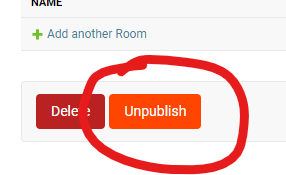
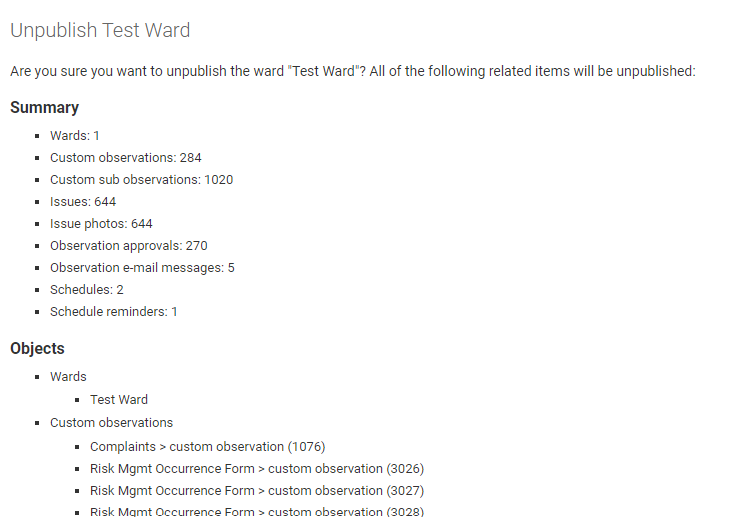
The “Unpublish” button is available besides “Delete” in every model that is published. It will give you a preview of related items about to be unpublished so you can review and confirm.
The “Unpublish” button in django admin is effectively the same as “Remove” is dashboards,
but it will give you a chance to review related items before unpublishing
The confirmation page lists and summarizes all object that will be affected by the unpublish action
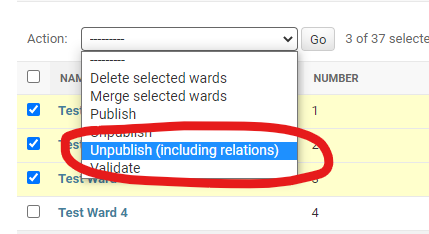
Unpublishing in bulk by selecting items and choosing “Unpublish (including relations)” will result in items and their children being un-published
The “Unpublish (including relations)” action will unpublish selected objects, including their child items
If objects have been unpublished, but their children have not, it may lead to inconsistent state and some unpredicted issues.
Use the command below to ensure that children of all unpublished object are also unpublished:
# unpublish children of commonly used models
./manage.pypropagate_unpublished
# Unpublish children of specific models
./manage.pypropagate_unpublishedeguideauditform
Note
This command runs non-atomically, so if it crashes or stops before completing,
it will partially complete the process without rolling back changes.
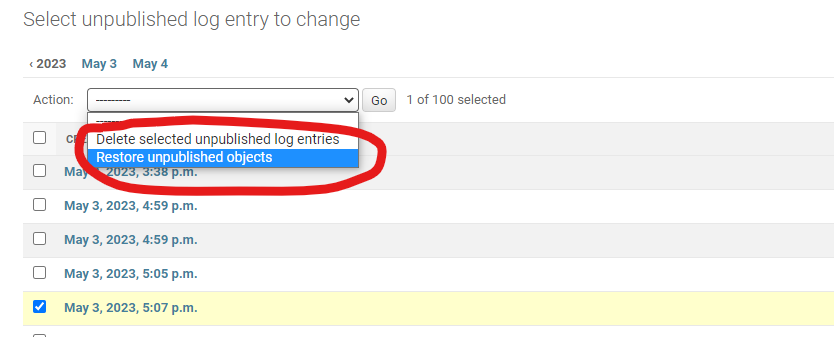
The proper way to restore (undo unpublish) items is to use UnpublishLogEntryadmin page
and invoke the “Restore unpublished objects” action. The admin page shows exact date/time of removal and the user who did it
along with the number of objects affected.
The restore action restores the object and its children
To re-publish individual items, you need to either:
go to model’s django admin page, select multiple objects, and run “Publish” action
go through each item and publish it intedepndently by checking “published”